Tested across Windows 10, Windows 11, and Android. Tools evaluated over 4 months.
The antivirus industry has a vested interest in making you believe free protection is dangerously inadequate. After all, fear sells subscriptions. But the honest truth — based on actual testing and independent lab data — is more complicated than their marketing suggests.
I spent four months running free and paid tools side by side on the same machine, deliberately throwing real threats at both. What I found surprised me. The answer isn’t “free is fine” or “you must pay.” It depends almost entirely on one thing: how you use your computer. So, our today’s question is related to free vs paid antivirus, is it actually worth paying in 2026?
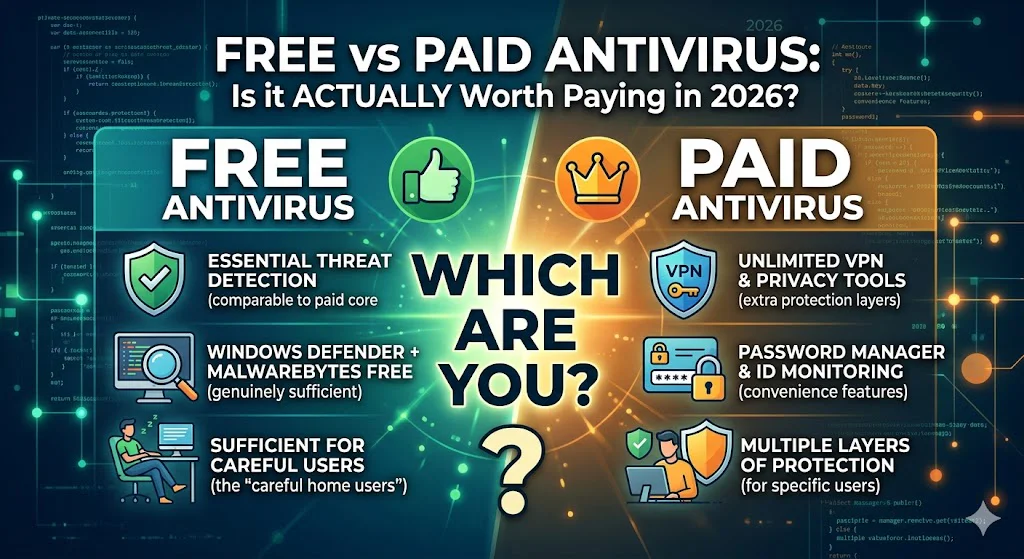
Free antivirus (Windows Defender + Malwarebytes Free) is genuinely sufficient for careful home users. The core virus detection is comparable to paid tools. What paid antivirus gives you extra is convenience features and protection layers — web filtering, VPN, password manager, identity monitoring — that matter a lot for some people and not at all for others. This guide helps you figure out which group you’re in.
What free antivirus actually gives you in 2026
Five years ago, free antivirus was a meaningful compromise. Detection rates lagged behind paid tools. Real-time protection was limited. You were taking a risk.
That is no longer true to the same degree. Here is what you get for free right now on a Windows PC:
- Real-time malware protection via Windows Defender — automatically scans files as they’re downloaded or opened
- 99%+ detection rates — Windows Defender consistently scores above 99% in AV-TEST and AV-Comparatives independent lab tests, comparable to most paid tools
- Ransomware protection — Windows Defender’s Controlled Folder Access blocks unauthorised changes to your important files
- Firewall — monitors incoming and outgoing connections, blocks suspicious traffic
- Malwarebytes Free — adds a second scanner that catches adware and potentially unwanted programs (PUPs) that Defender sometimes misses
What you actually get extra with paid antivirus
Free antivirus gives you
- Core malware detection (99%+)
- Real-time file scanning
- Basic ransomware protection
- Windows Firewall
- Manual browser threat warnings
- Offline virus removal
Paid antivirus adds
- Real-time web filtering (blocks bad sites before loading)
- Anti-phishing protection
- VPN for public WiFi
- Password manager
- Dark web monitoring for your email
- Parental controls
- Identity theft protection (premium tiers)
- Multi-device coverage (phones + tablets)
- Priority customer support
Notice what paid antivirus is mostly selling: convenience and additional layers, not dramatically better virus detection. The Norton 360 you pay £80 a year for will not catch 30% more viruses than Windows Defender. It will catch roughly the same viruses — but also block dangerous websites you accidentally wander into, alert you if your email appears in a data breach, and give you a VPN when you are on airport WiFi.
Whether that’s worth £80 depends entirely on whether those extras matter to your life.
How to Protect Your Parents’ Computer From Viruses
The best free antivirus options in 2026
Windows Defender (Windows Security) Free · Built-in
Already installed on every Windows 10 and Windows 11 PC. Real-time protection, ransomware protection, firewall, and regular automatic updates. In independent lab tests, it now scores 99%+ — comparable to most paid tools. The single best free option for Windows users because it requires no installation, no account, and never expires.
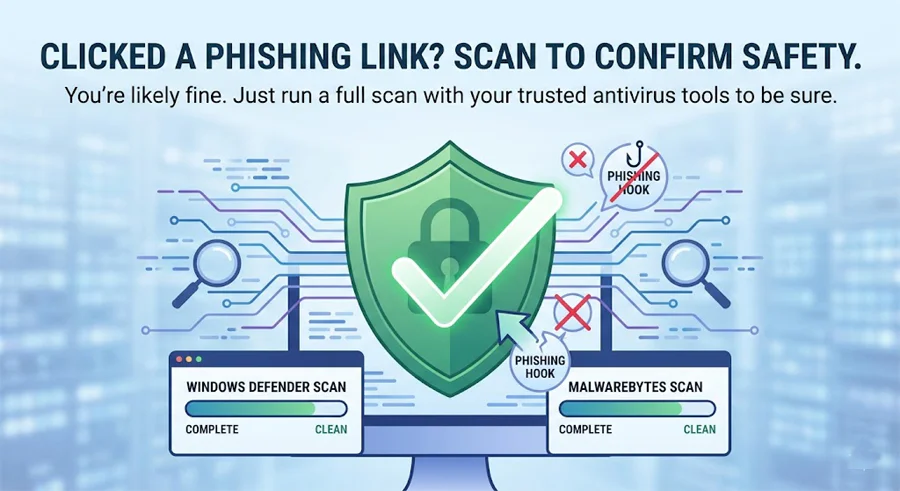
Windows Defender Found a Threat – What Do I Do Next?
Malwarebytes Free Free · Manual Scan
The best complement to Windows Defender. The free version does not run in the background — it only scans when you ask it to. But it uses a different detection engine and catches adware, PUPs, and browser hijackers that Defender misses. Run it once a month as a second opinion. The combination of Defender + Malwarebytes Free is the setup I use on my own parents’ computers.
Bitdefender Free Free · Real-time
A stripped-down version of Bitdefender’s paid product. Offers real-time protection with excellent detection rates and minimal system impact. No extras, no VPN, no parental controls. A solid alternative if you don’t like the idea of relying on Microsoft for your security, though Windows Defender is largely comparable now.
The best paid antivirus options in 2026
Bitdefender Total Security ~$40/year · 5 devices
Consistently the best balance of protection, performance, and price in independent testing. Includes VPN (200MB/day limit), parental controls, anti-phishing, anti-fraud, and a password manager. Extremely light on system resources. The first-year price is usually heavily discounted — watch out for the renewal price which is higher.
Malwarebytes Premium ~$40/year · 5 devices
The upgrade from the free version adds real-time web protection, real-time adware blocking, and ransomware rollback. Designed to work alongside Windows Defender rather than replace it. My personal recommendation for most home users — it fills Defender’s specific gaps without duplicating what Defender already does well.
Norton 360 Deluxe ~$50/year · 5 devices
The most feature-complete option if you want everything in one package: antivirus, unlimited VPN, password manager, dark web monitoring, and 50GB of cloud backup. Detection rates are excellent. The main downside is that it’s heavier on system resources than Bitdefender and the renewal price jumps significantly after year one.
Kaspersky Plus ~$35/year · 3 devices
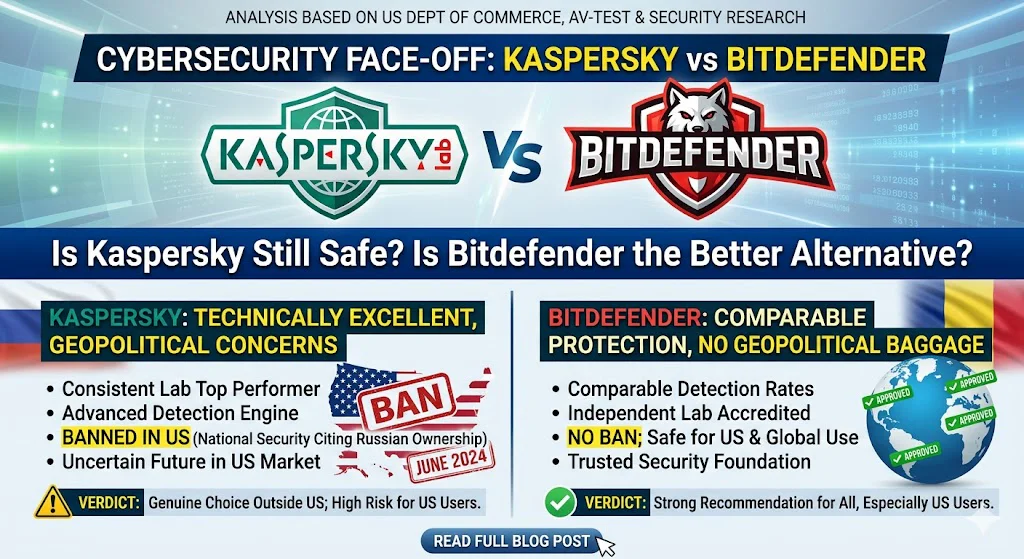
Excellent detection rates and strong value. However, Kaspersky was banned from US government use in 2024 due to concerns about Russian government ties, and its consumer products were removed from US app stores. For users outside the US, it remains a technically strong option. For US users, Bitdefender or Malwarebytes are cleaner choices.
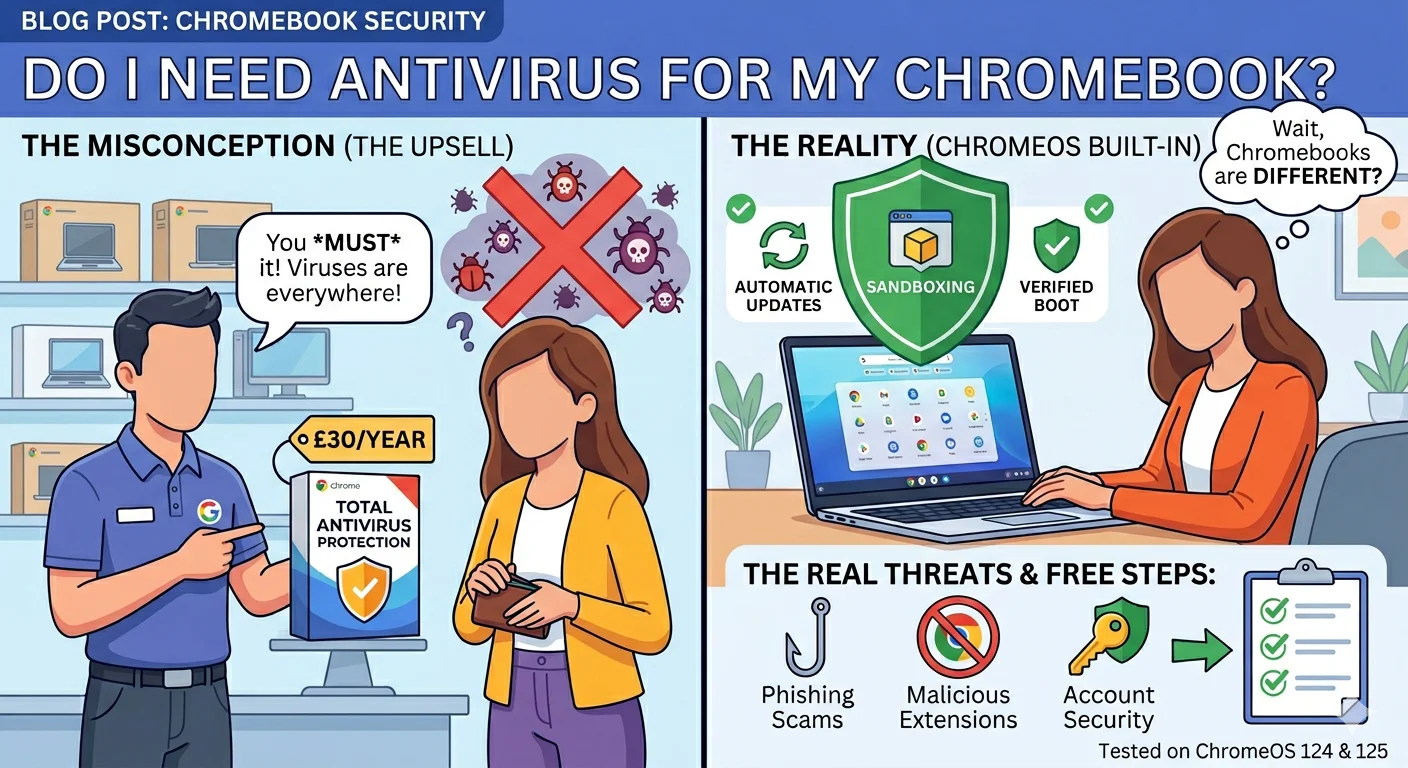
Do I Need Antivirus for My Chromebook? The Honest Answer
Who should pay — and who genuinely doesn’t need to
👴 Pay if: your computer is used by elderly family members
Seniors are the most targeted demographic for phishing, tech support scams, and fake virus popups. Real-time web filtering that blocks dangerous pages before they load is worth every penny. Bitdefender or Norton with parental-style controls makes a huge difference.
👨👩👧 Pay if: children use the device
Kids click on everything. Paid suites with parental controls — content filtering, screen time limits, location tracking — justify the cost immediately. Free tools offer none of this.
💼 Pay if: you work from home with client data on your PC
A breach that exposes client data is a legal and reputational problem. The ~£40/year cost of a good paid tool is negligible insurance compared to the potential fallout of a data breach.
✈️ Pay if: you regularly use public WiFi
Coffee shops, airports, hotels — public WiFi is a well-documented attack vector. The VPN included in most paid suites encrypts your connection and makes you invisible to anyone snooping on the same network.
🧑💻 Free is fine if: you are a careful single user
You only download from official sources. You don’t click links in emails you weren’t expecting. You keep Windows updated. You’re the only person using the PC. Windows Defender plus Malwarebytes Free is genuinely enough. Save the £40.
Popup Says My Computer Is Infected – Scam or Real?
Watch out for these paid antivirus traps
The antivirus industry is full of dark patterns designed to extract more money. Here’s what to watch for:
- First-year discount, steep renewal — Norton advertises at £24.99/year then renews at £84.99. Always check the renewal price before buying, not the promotional price.
- Auto-renewal that’s hard to cancel — most major tools enable auto-renewal by default. Set a calendar reminder to review before the annual charge hits.
- Bundled bloatware — some tools try to install browser toolbars, VPN clients, and registry cleaners alongside the antivirus. Decline everything during installation except the core product.
- Scare tactics on the free version — free antivirus tools often show alarming notifications designed to push you to upgrade. A notification saying “5 threats detected” from a free tool is not always as alarming as it sounds — many are tracking cookies, not serious malware.
Start free. Upgrade only if your situation calls for it.
For most careful home users: Windows Defender + Malwarebytes Free costs nothing and protects you well. Run Malwarebytes manually once a month. Keep Windows updated. You’re covered.
If you have family members who aren’t careful online, or you regularly use public WiFi, the upgrade to Malwarebytes Premium is the smartest £40 you’ll spend this year. It fills Defender’s specific gaps without replacing what already works.
Frequently asked questions
Related guides
- Is Windows Defender Enough? The Honest 2026 Answer
- I Think My Computer Has a Virus — Here’s Exactly What to Do
- Bitdefender vs Malwarebytes: 3-Month Honest Comparison
- Best Antivirus for Seniors: Simple and Easy to Use
- Best Antivirus for a Slow Old PC That Won’t Make It Worse
- Kaspersky vs Bitdefender: Is Kaspersky Still Safe to Use in 2026?
Last Updated on May 26, 2026 by Security Guru Jay