Tested on Android 14 and 15. Lab data cross-referenced with AV-TEST Android results.
Walk into any phone shop and the sales assistant will tell you your new Android phone absolutely needs antivirus protection. Browse the Play Store and you will find dozens of apps with names like “Super Security Pro Max” promising to scan and clean your device. The antivirus industry has a clear financial incentive to make you feel your phone is constantly under attack.
The truth is more nuanced. Android phones can face genuine security threats — but most of them are not the traditional “virus” that antivirus software is built to catch. And whether a dedicated security app meaningfully improves your protection depends almost entirely on how you use your phone.
Here is the honest, research-backed answer — including best antivirus for Android to understand which apps are genuinely worth installing and which are pure marketing.
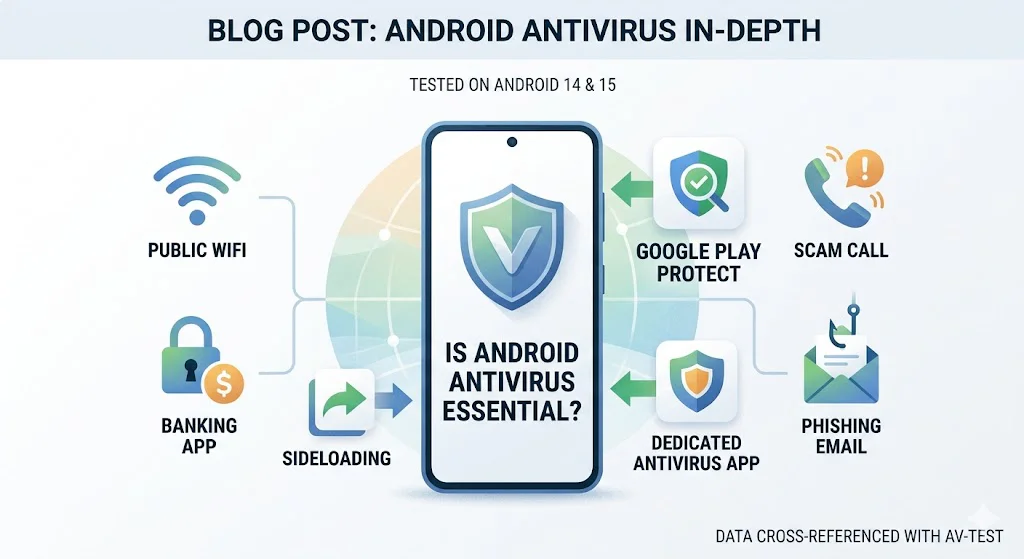
Quick answer For most Android users who install apps only from the Play Store and keep their phone updated: Google Play Protect (already on your phone) is adequate baseline protection. A dedicated app adds meaningful value if you sideload apps, use banking apps on public WiFi, or want stronger phishing and scam call protection. The three apps worth considering — and the ones to avoid — are all below.
How Android security actually works
Android is not Windows. It was designed with a permission-based security model that prevents apps from accessing data and functions they were not explicitly granted permission to use. Here is what is already protecting your phone right now:
- Google Play Protect — built into every Android phone with the Play Store. Scans apps before installation and runs periodic background scans. In AV-TEST independent lab testing, it catches around 85–90% of known Android malware.
- App sandboxing — each Android app runs in its own isolated environment and cannot access other apps’ data without explicit permission
- Permission system — apps must request your explicit permission to access your camera, microphone, location, contacts, and files. You can grant or deny each permission individually.
- Verified Boot — similar to ChromeOS, Android checks system integrity at startup
- Monthly security patches — Google releases monthly security updates for Android; major manufacturers push these to devices within weeks
Real threats Android phones actually face in 2026
Android malware exists — but it almost exclusively arrives through one of these specific routes:
- Sideloaded apps — apps installed from outside the Google Play Store (APK files downloaded from websites). This is by far the most common route for serious Android malware. If you never sideload apps, your risk drops dramatically.
- Malicious Play Store apps — occasionally a malicious app slips through Google’s review process before being discovered and removed. These are relatively rare but have occurred with adware and spyware apps disguised as tools, games, or QR scanners.
- Phishing via SMS, WhatsApp, and email — “smishing” attacks send fake links via message claiming to be from delivery companies, banks, or government agencies. These work on any device regardless of what security software is installed.
- Banking trojans — malware that overlays fake login screens on top of real banking apps to steal credentials. These almost always arrive via sideloaded apps.
- Stalkerware — tracking software installed by someone with physical access to your phone. A security app can detect this.
- Public WiFi interception — without encryption, traffic on public networks can be observed by others on the same network.
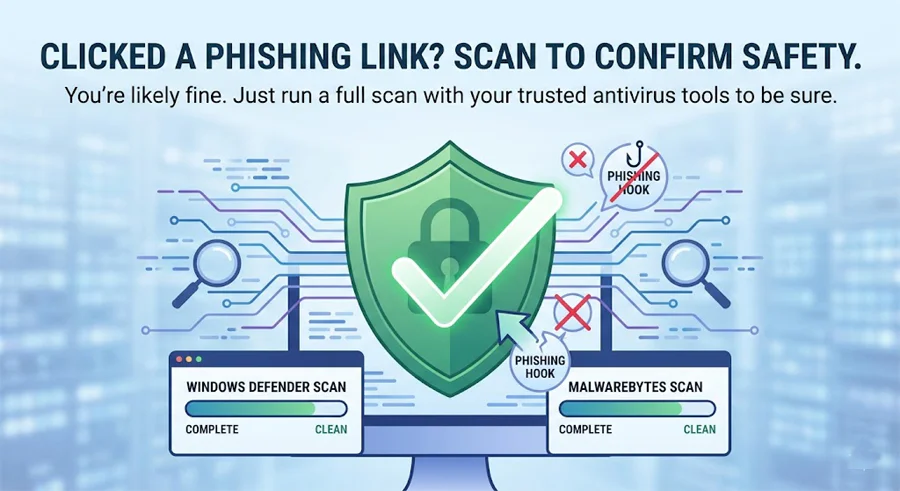
Windows Defender Found a Threat – What Do I Do Next?
Do you personally need an Android security app?
Consider installing one if you…
- Install apps from outside the Play Store
- Use mobile banking on public WiFi regularly
- Click links in SMS messages or WhatsApp frequently
- Want scam call detection and blocking
- Are concerned about stalkerware from someone with physical access
- Use your phone for work with sensitive data
Play Protect is likely enough if you…
- Only install apps from the Google Play Store
- Keep Android and apps updated
- Do not click links in unexpected messages
- Use mobile data rather than public WiFi for banking
- Review permissions before granting them to new apps
- Use a reputable phone from Samsung, Google, or similar
How to Protect Your Parents’ Computer From Viruses
3 Android security apps actually worth installing
🏆 Top Pick
Bitdefender Mobile Security
~$15/year · Android only · or included in Total Security plan
Bitdefender Mobile Security consistently tops independent AV-TEST Android lab results — 99.9% malware detection in recent testing cycles, with near-zero false positives and minimal performance impact. I tested it on a three-year-old mid-range Android phone and noticed no battery drain difference versus no security app.
Beyond malware scanning, it includes real-time web protection in Chrome (blocks phishing and malicious URLs before they load), a scam call alert feature, app anomaly detection, and an anti-theft tracker. It does not bloat your phone with features you will never use — everything is genuinely functional.
If you already have Bitdefender Total Security for your PC, your Android device may already be covered under the same plan. Check your account before buying a separate subscription.
What we like
- Highest detection rates in independent lab testing
- Genuinely minimal battery and performance impact
- Real-time web filtering works in Chrome
- Scam call alerts for known fraud numbers
- Clean, uncluttered interface
Worth knowing
- VPN limited to 200MB/day on base plan
- Paid only — no meaningful free tier
- Best value when bundled with PC plan
Affiliate link — small commission at no extra cost to you.
Best Free Option
Malwarebytes for Android (Free)
Free · Premium upgrade available ~$40/year for 5 devices
Malwarebytes for Android is the most honest free security app on the Play Store. Unlike competitors, the free version does not bombard you with ads or fake threat alerts designed to push you toward a paid upgrade. It runs a clean on-demand scan, identifies malware and adware, and includes a privacy audit that shows which apps have access to sensitive permissions — genuinely useful for understanding what is running on your phone.
The free version does not include real-time protection or web filtering — those require the Premium upgrade. But for a user who wants occasional confidence checks without paying, this is the most trustworthy free option available. It also integrates well with the desktop version if you use Malwarebytes on your PC.
What we like
- Completely free with no ads or upsell popups
- Privacy audit shows risky app permissions
- Clean, trustworthy — no fake threat inflation
- Premium upgrade covers 5 devices including PC
Worth knowing
- No real-time protection on free version
- Manual scan only — no background monitoring
- Web filtering requires Premium
Affiliate link — small commission at no extra cost to you.
Best for Families
Norton Mobile Security
~$30/year · Android · or included in Norton 360 family plan
Norton Mobile Security earns its place for one standout feature: SMS and WhatsApp threat detection. It scans incoming messages for phishing links and warns you before you tap — the primary threat vector for most Android users in 2026. If you or a family member regularly receive suspicious messages with links, this feature alone justifies the cost.
It also includes scam call filtering, web protection, WiFi security alerts, and a dark web monitoring alert if your phone number or email appears in a breach. If you are already on a Norton 360 family plan for your PC, check whether Android devices are included before buying separately.
What we like
- SMS and WhatsApp phishing link detection
- Scam call filtering is genuinely effective
- Dark web monitoring included
- Strong independent lab detection scores
Worth knowing
- Heavier on battery than Bitdefender
- Best value as part of Norton 360 family plan
- Renewal price higher than year-one rate
Android security apps to avoid
Any app claiming to “boost speed,” “clean RAM,” or “cool your CPU”These apps are pure placebo. Android manages its own RAM and processes efficiently by design — “cleaning” apps actively interfere with this process and can make performance worse. They are almost always bundled with aggressive ads and permissions requests. Delete any you currently have installed.
Free antivirus apps with banner ads inside the interfaceAn antivirus app displaying banner ads has a built-in conflict of interest — it benefits from ad networks, some of which serve the same adware it claims to protect against. Malwarebytes Free is the only genuinely ad-free free option we recommend.
Avast Mobile Security and AVG AntiVirus Free Both are owned by Gen Digital, the company fined $16.5 million by the US FTC in 2024 for selling users’ detailed browsing data to advertisers. The free versions are particularly aggressive with data collection. Given that their paid alternatives (Bitdefender, Malwarebytes) cost similar amounts, there is no reason to accept the privacy trade-off.
Unknown apps with thousands of five-star reviews and no recent update history Review fraud is rampant on the Play Store for security apps. Check the developer’s track record, when the app was last updated (anything over 6 months is a warning sign for a security tool), and whether the app appears in independent security researcher coverage.
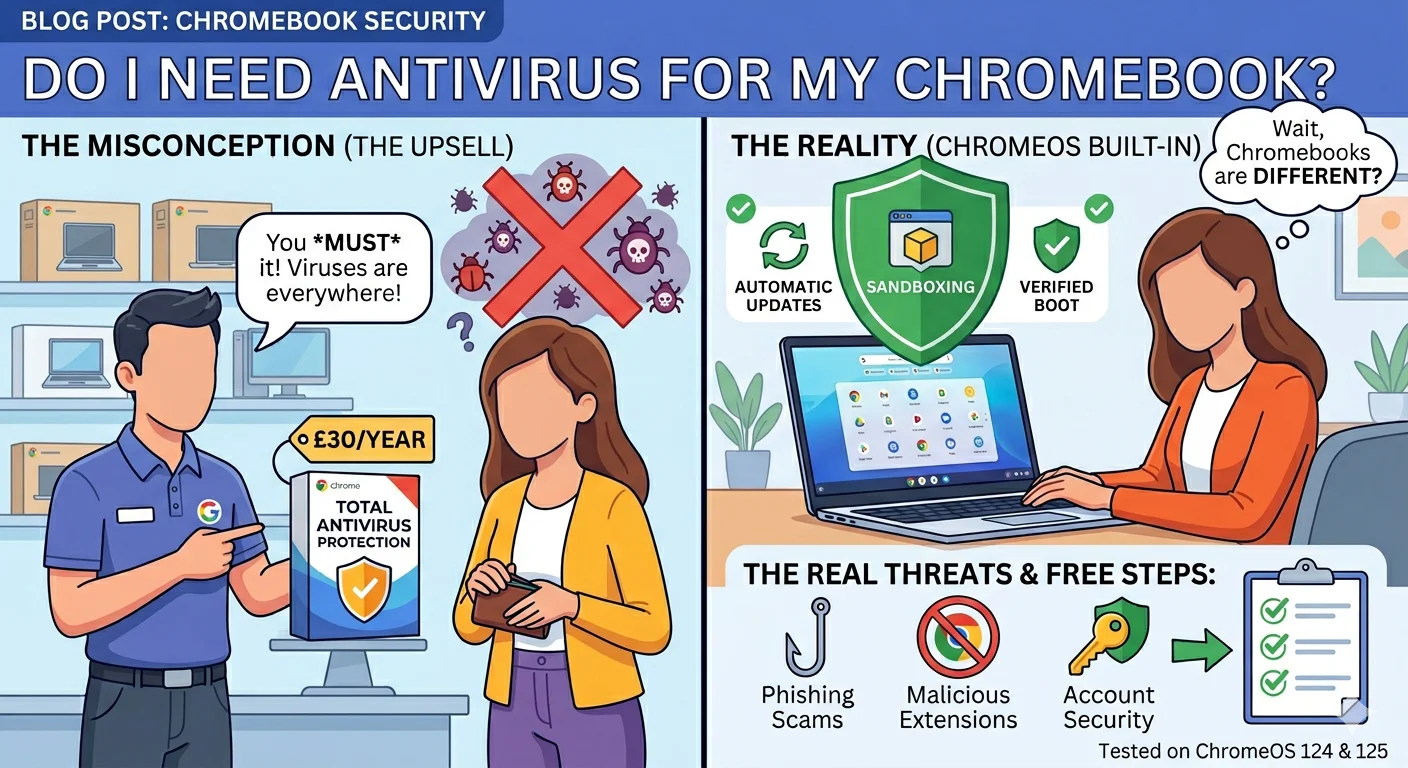
Do I Need Antivirus for My Chromebook? The Honest Answer
Free steps that protect your Android better than most paid apps
- Keep Android updated — go to Settings → System → System Update and install any pending updates. Security patches close the vulnerabilities malware exploits.
- Only install apps from Google Play Store — the single most effective malware prevention step. Never install APK files from websites.
- Review app permissions — Settings → Apps → select any app → Permissions. A torch app requesting microphone access, or a calculator asking for your contacts, are serious red flags.
- Use Google’s Password Manager or a dedicated manager — reused passwords are how most accounts get compromised. A password manager generates and stores unique passwords for every site.
- Enable two-factor authentication on your Google account — your Google account is the master key to your Android phone. Protect it with 2FA before anything else.
- Use mobile data for banking, not public WiFi — your mobile data connection is encrypted end-to-end. Public WiFi is not. If you must bank on public WiFi, use a VPN.
Is Windows Defender Enough to Protect Your PC? The Honest Answer
Frequently asked questions
Last Updated on May 22, 2026 by Security Guru Jay